

1
Open your recording
Go to Data → Recordings. Find your recording and click ⋮ → View.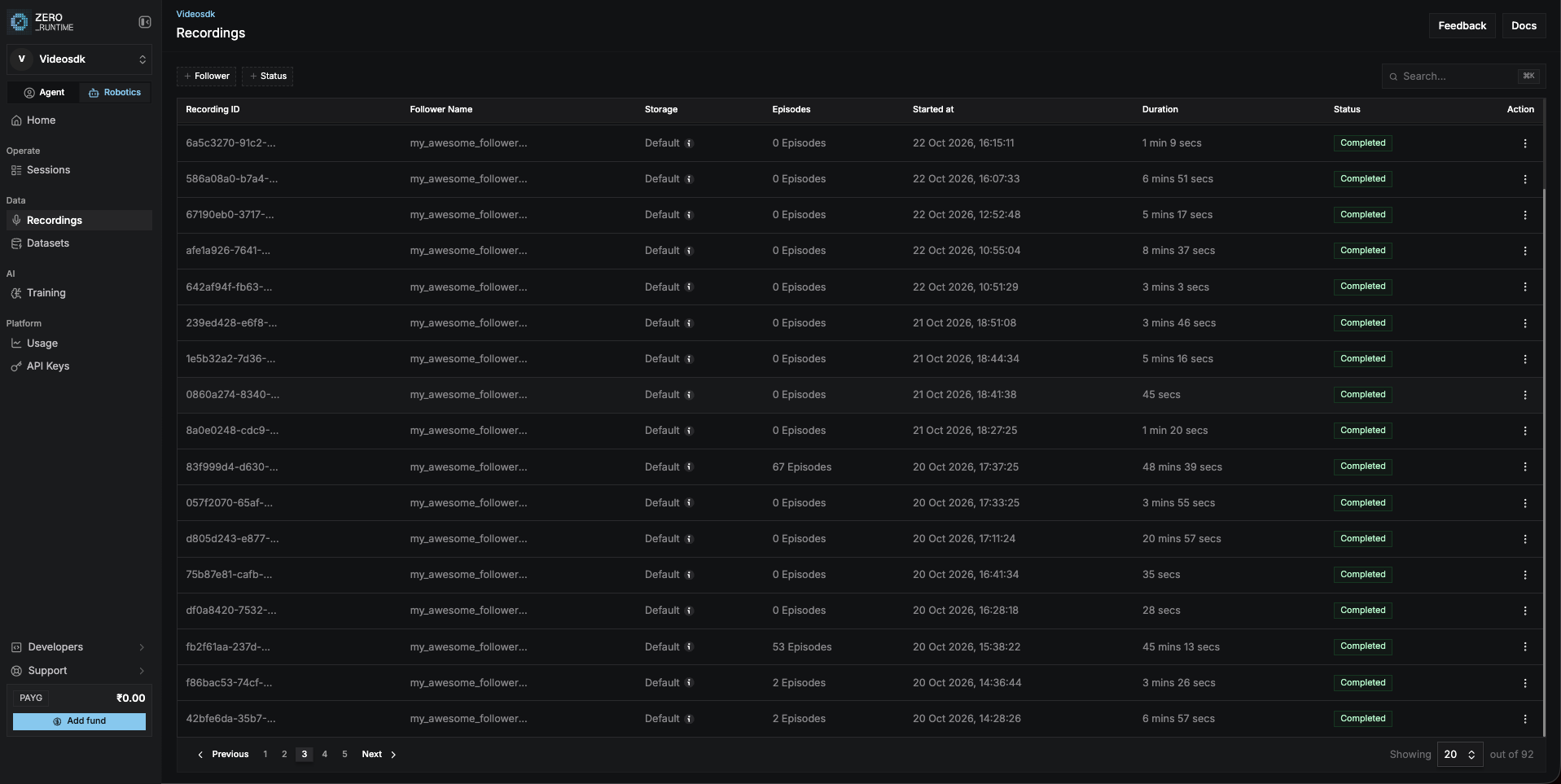
2
Click Convert to dataset
On the recording’s page, click Convert to dataset at the top right.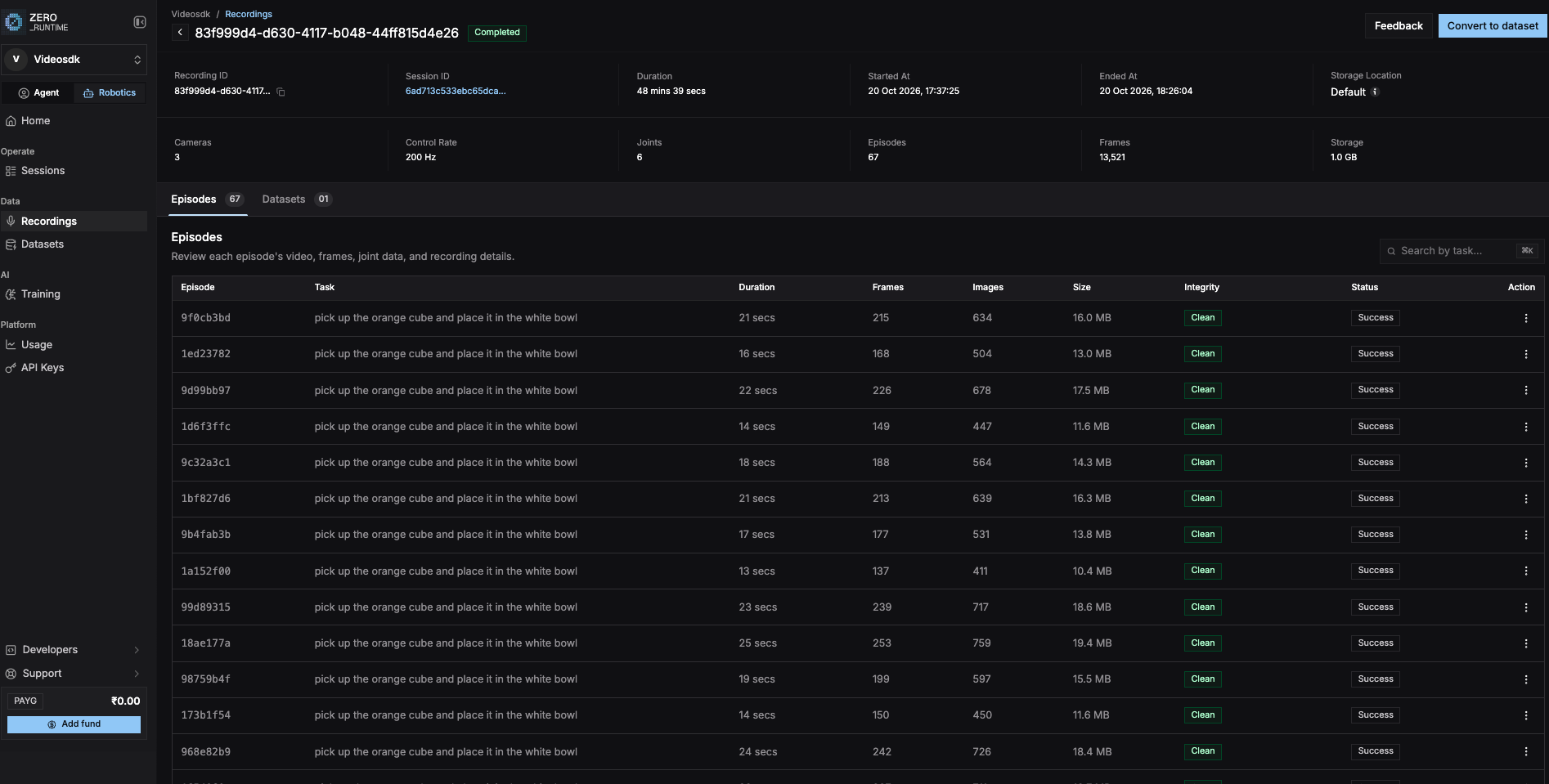 Fill in the panel:
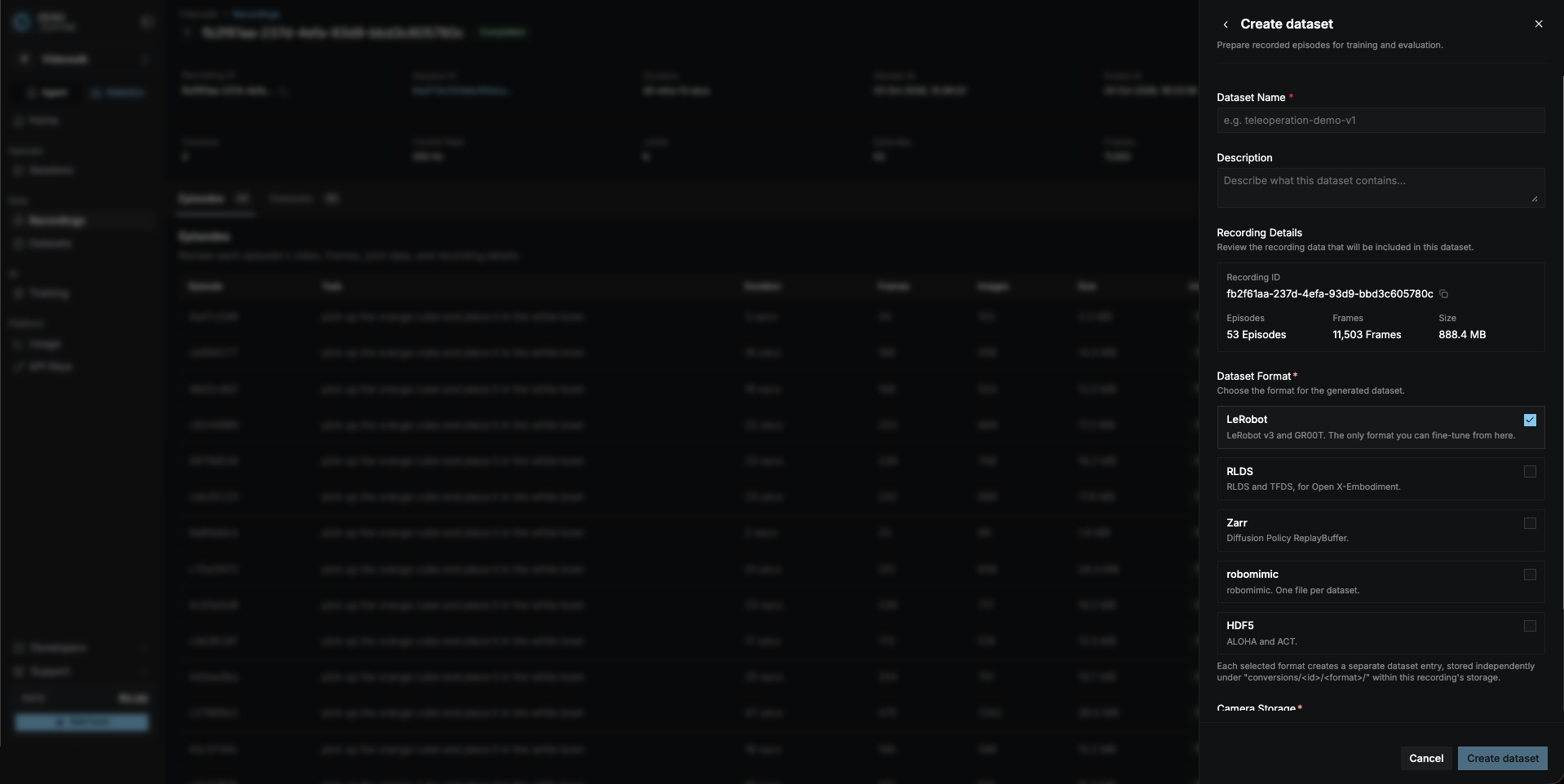 Click Create dataset.
3
Wait until it's done
Go to Data → Datasets. Your dataset shows Completed when it’s
ready.
Related
Fine-tuning
Next: train a policy.
Cloud recording
Back: record demos.