

Architecture
A WhatsApp caller reaches the Meta Business Platform, which forwards the call over SIP to the Zero Runtime SIP Gateway. A routing rule invokes your self-hosted agent by matching its agent id.
Prerequisites
- Meta side:
- A verified Meta Business Manager account.
- A phone number verified in your WhatsApp Business Account (WABA).
- A Meta Developer App with the
whatsapp_business_managementpermission enabled. - A permanent user access token for the Meta Graph API.
- Zero Runtime side: A Zero Runtime Auth token (
ZERORUNTIME_AUTH_TOKEN). Generate one in the Zero Runtime Dashboard.
Setup the project
Use Python 3.11 or higher, then install the Zero Runtime Agents SDK. Create and activate a virtual environment, then install
zrt and python-dotenv. Every provider plugin ships with zrt.Configure environment variables
Store your tokens in a
.env file in your project root.- Cascade
- Realtime
.env
Build the agent
The agent must register itself with Zero Runtime so calls can be routed to it. It needs a unique agent id for the routing rule to match. Set Declare your dependencies in a Keep the process running. It registers with Zero Runtime using the ID 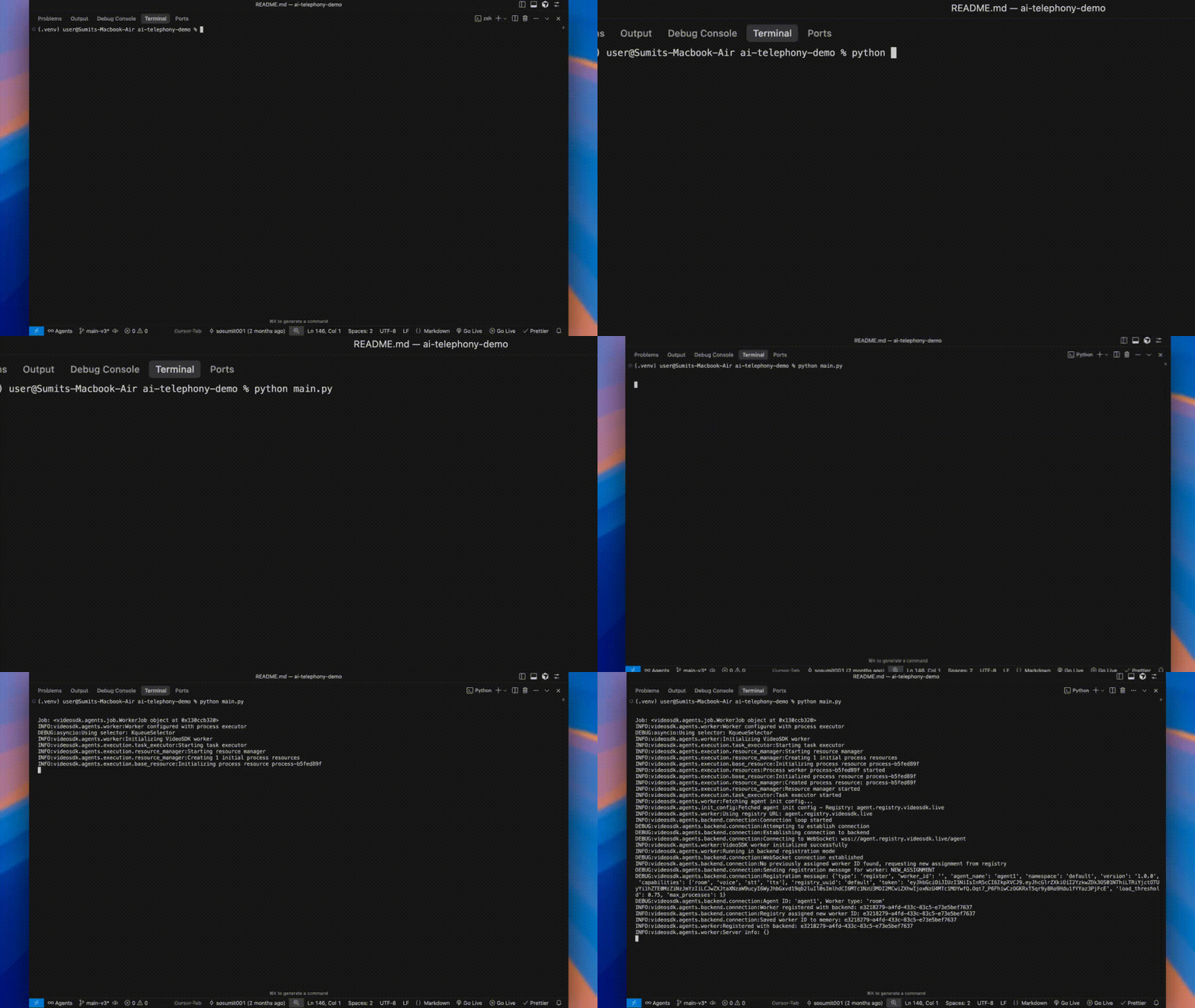
ZERORUNTIME_AGENT_ID to that id (it defaults to zeroruntime_agent) and start it with zeroruntime.serve(), which registers it automatically. WhatsApp calls arrive through your routing rule, so there is no playground to open. Just keep the process running.- Cascade
- Realtime
pyproject.toml, then let uv build the environment and run the agent:- Cascade
- Realtime
pyproject.toml
agent1.Configure Zero Runtime gateways
Set up two gateways so Zero Runtime can route WhatsApp calls in and out. Use the Dashboard or the API for each.1. Inbound gateway: the entry point for incoming WhatsApp calls.2. Outbound gateway: lets the agent dial out to WhatsApp numbers. First fetch the SIP credentials from Meta:Use the returned
- Dashboard
- API
- In the Zero Runtime Dashboard, go to Telephony > Inbound Gateways and click Add.
- Enter a gateway name (e.g.
WhatsApp Gateway). - Add your WhatsApp Business phone number and click Create.
hostname (address) and sip_user_password (password) to create the gateway.- Dashboard
- API
- In the Zero Runtime Dashboard, go to Telephony > Outbound Gateways and click Add.
- Enter a gateway name.
- Provide the SIP details from Meta (the
hostnameas the address, your WhatsApp number as the username, andsip_user_passwordas the password), then click Create.
Create a routing rule
Connect the inbound gateway to your agent by ID. The agent ID must match the id your agent registers under —
ZERORUNTIME_AGENT_ID (registered by zeroruntime.serve()).- Dashboard
- API
- In the Zero Runtime Dashboard, go to Telephony > Routing Rules and click Add.
- Select your inbound gateway (e.g.
WhatsApp Gateway). - Add your WhatsApp Business phone number.
- Set Dispatch to Agent and Agent Type to Self Hosted.
- Enter the Agent ID as
agent1(must matchmain.py) and click Create.
Enable WhatsApp SIP forwarding
Tell Meta to forward incoming WhatsApp calls to your inbound gateway. Substitute the inbound gateway hostname (it appears in the dashboard).A successful response is
{ "success": true }.Place a test call
Make sure your main.py script is still running locally before making or receiving calls. The agent must be active to handle any communication.
- Inbound
- Outbound
From a different WhatsApp account, place a voice call to your WhatsApp Business number. The agent answers and greets you.
Verify
- The agent registers under the ID
agent1and the worker process stays running. - An incoming WhatsApp call reaches the agent and you hear the greeting.
- Outbound calls dial the target WhatsApp number through your outbound gateway.
What’s Next
Telephony docs
Explore call transfer, DTMF, voicemail, and more.
Deploy an agent
Move from local to production.