

{{variable_name}} in your system prompt, welcome message, or final response, and pass its value when the agent is dispatched.
Define variables
Select Variables in the builder header to open Custom Variables, then select Add Variable.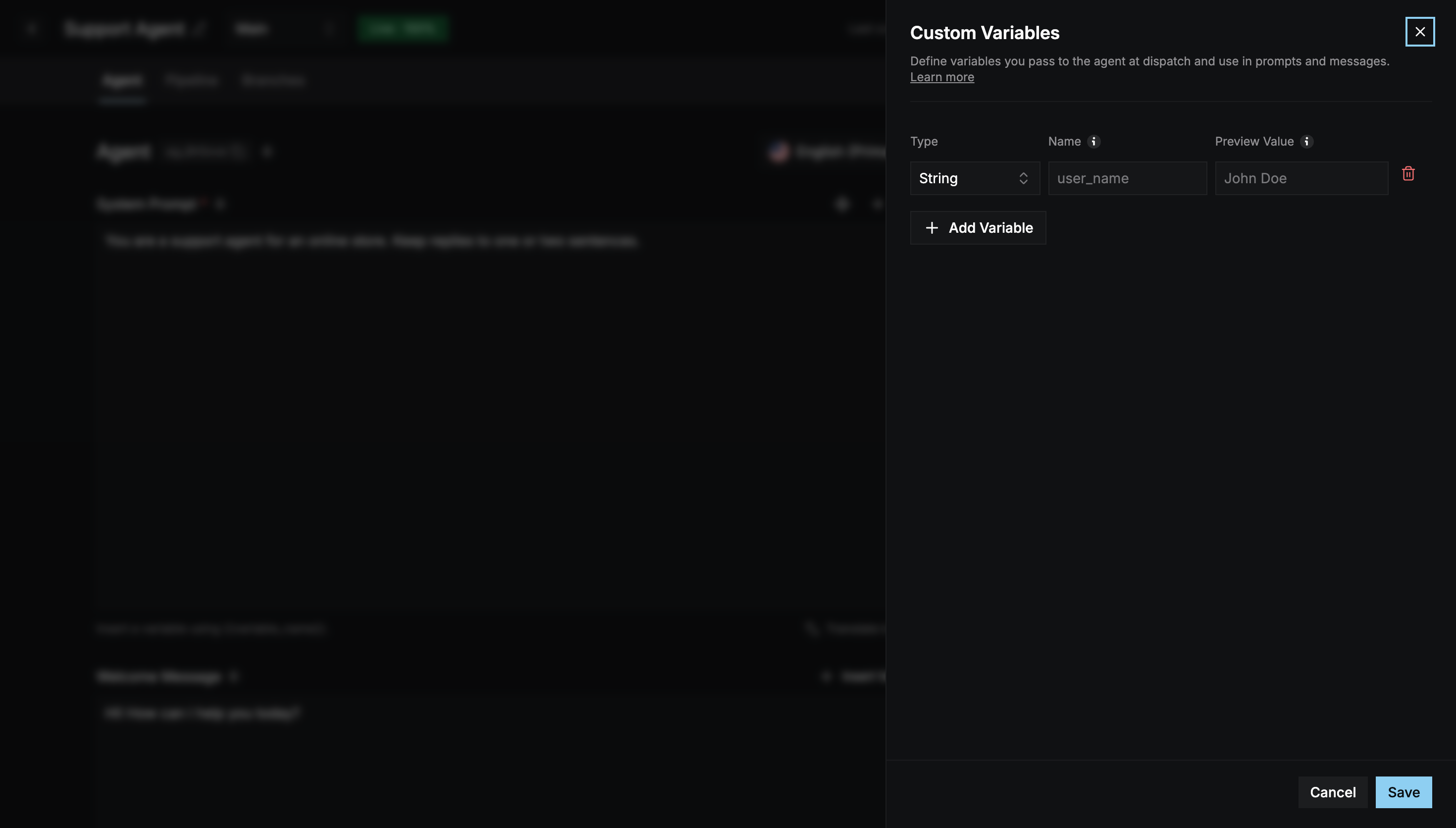
You can define up to 10 variables per agent.
Use variables
Type{{user_name}} in any supported field, or use Insert Variable above it.
Pass values in production
In production, pass the actual values inmetadata.variables when you dispatch the agent to a room. Each entry’s name must match a variable you defined.
meetingIdis the room the agent joins.agentIdis your agent’s ID.- The agent must be deployed.