

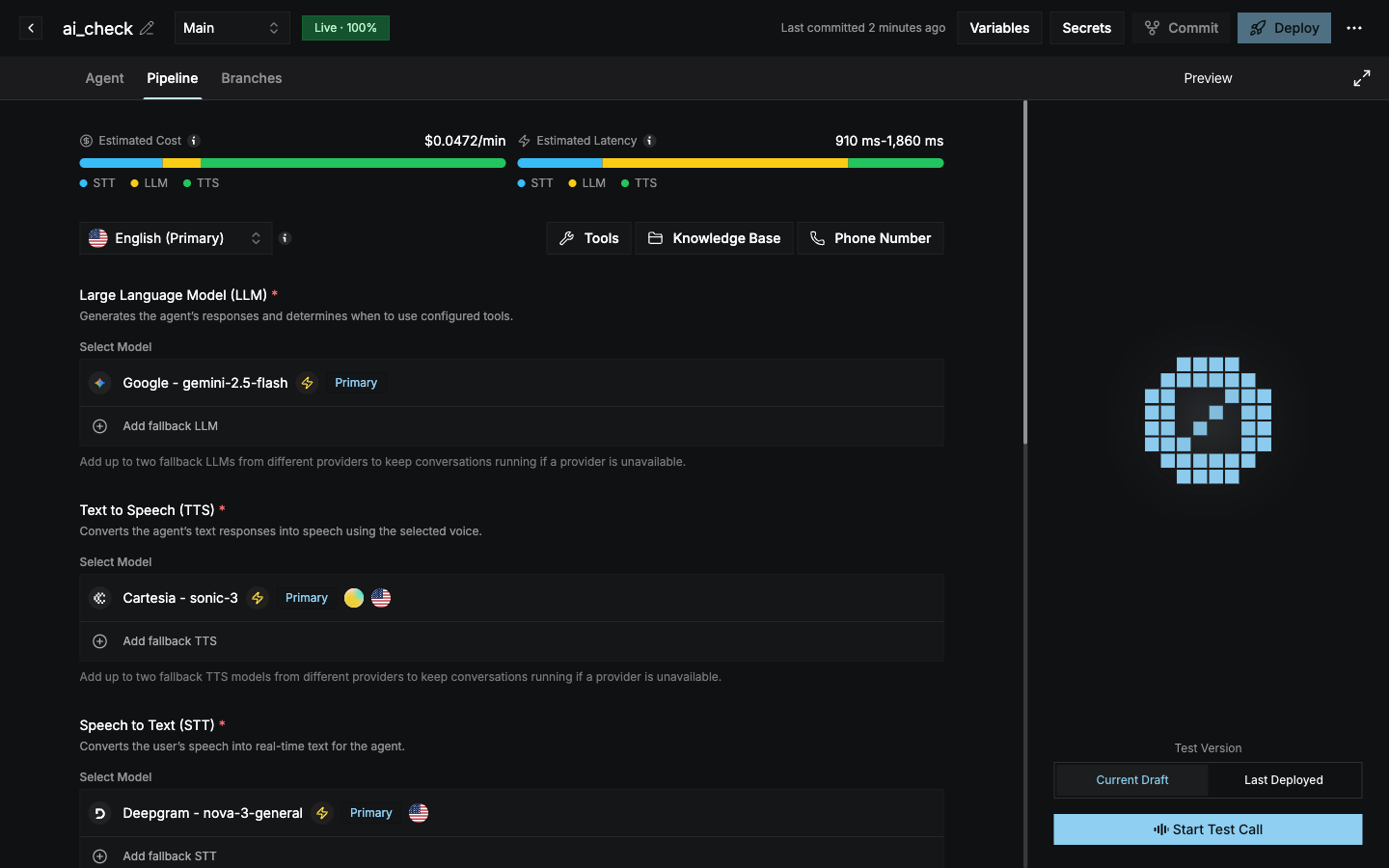
Estimated cost and latency
The two bars at the top update as you change models:- Estimated Cost: the total cost per minute across STT, LLM, and TTS.
- Estimated Latency: the expected processing time range across STT, LLM, and TTS.
Pipeline types
Cascading (Text LLM)
STT → LLM → TTS. You pick each model separately. This gives you the most control over voices, languages, and turn-taking.
Realtime (Audio LLM)
A single audio model listens and speaks directly. The STT, TTS, turn detection, interruption, and VAD sections are hidden. Noise cancellation still applies.
Per-language pipelines
The pipeline is configured per language. Use the language selector to switch between them.- Languages that support default models are preselected.
- For other languages, select the models manually.
What’s on this tab
Models
LLM, TTS, and STT models, voices, and fallbacks.
Turn Detection & Interruptions
When the agent replies, when callers can interrupt, and VAD.
Noise Cancellation & Background Audio
Clean up caller audio, and add thinking and ambient sounds.
Wake-up Message
Check in when the caller goes quiet.
Call End Configuration
Let the agent hang up, and send a summary of each call.
Tools
Call external HTTP APIs during the conversation.
Knowledge Base
Answer from your own documents and websites.
Telephony Integration
Connect phone numbers with a routing rule.