

Create a new agent
1
Open the Agents page
In the dashboard, switch to the Agent tab in the sidebar and select Agents. Then select New agent.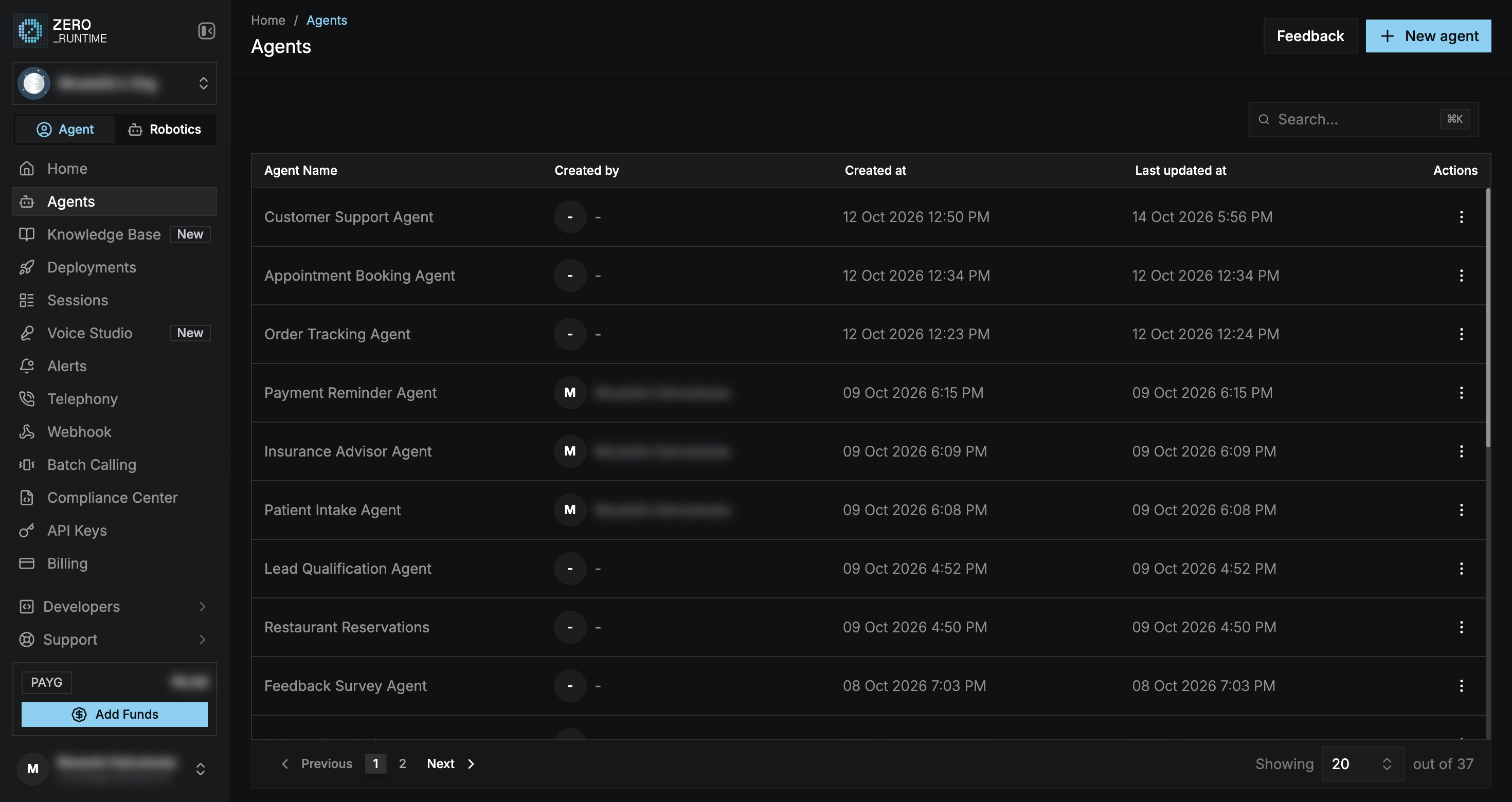
2
Choose a template
Pick a starter template or Start from scratch. Templates are grouped by industry (for example BFSI, Healthcare, and Retail & E-Commerce). Use the Provider and Language filters or search to narrow the list.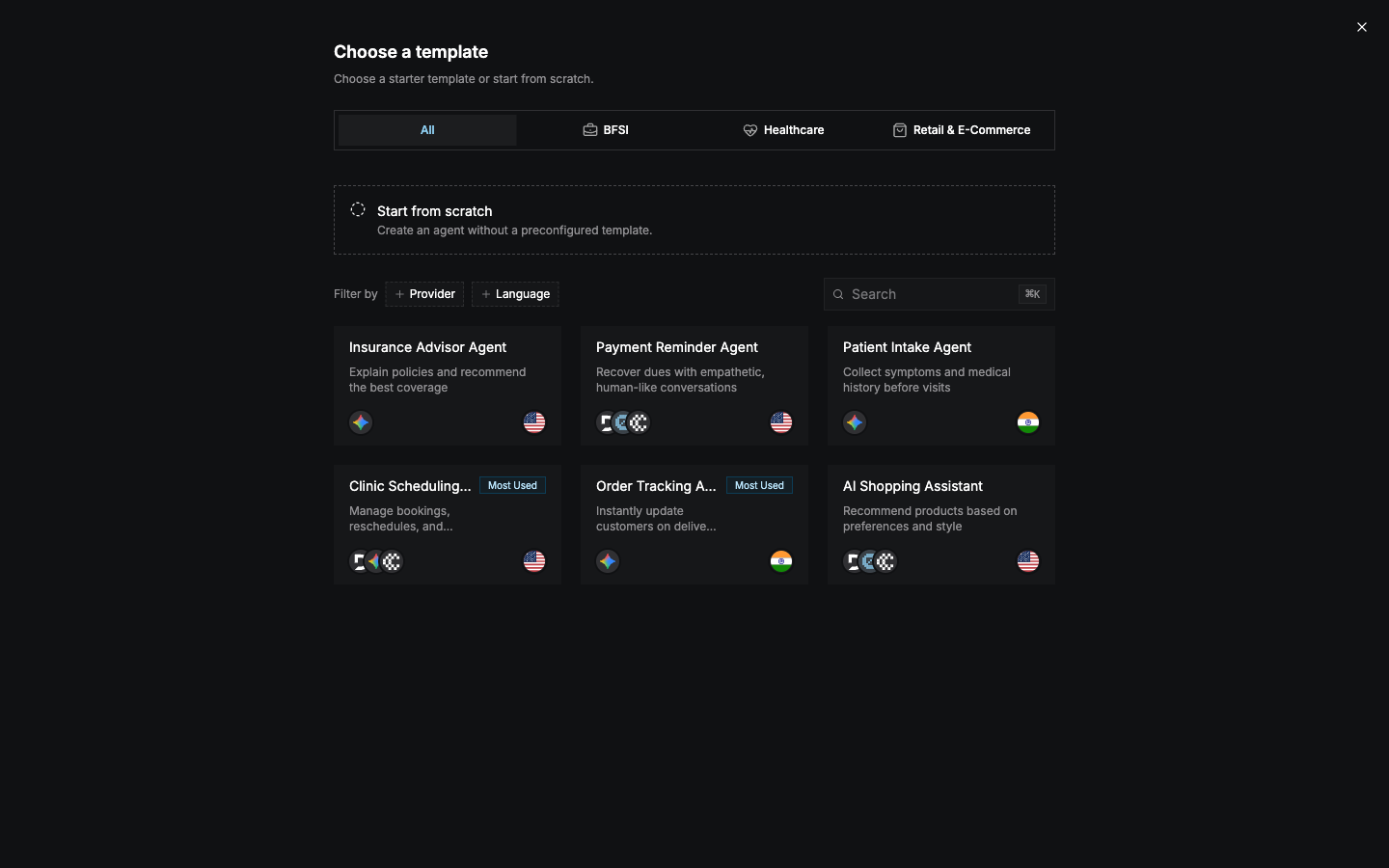 Each card shows the models (STT, LLM, and TTS providers) and the languages the template is set up for.
3
Name the agent
Enter an Agent Name (up to 40 characters) and select Create Agent. The builder opens with the template’s configuration on the Main branch.
Agent Type offers Single Agent today. Multi-Agent System is coming soon.
Manage agents
The Agents list shows each agent’s name, creator, and created and updated times. Select a row to open it in the builder, or open the row’s ⋮ menu:
The same actions are available from the ⋯ menu in the builder header.
You can also rename an agent in the builder by selecting its name in the header.