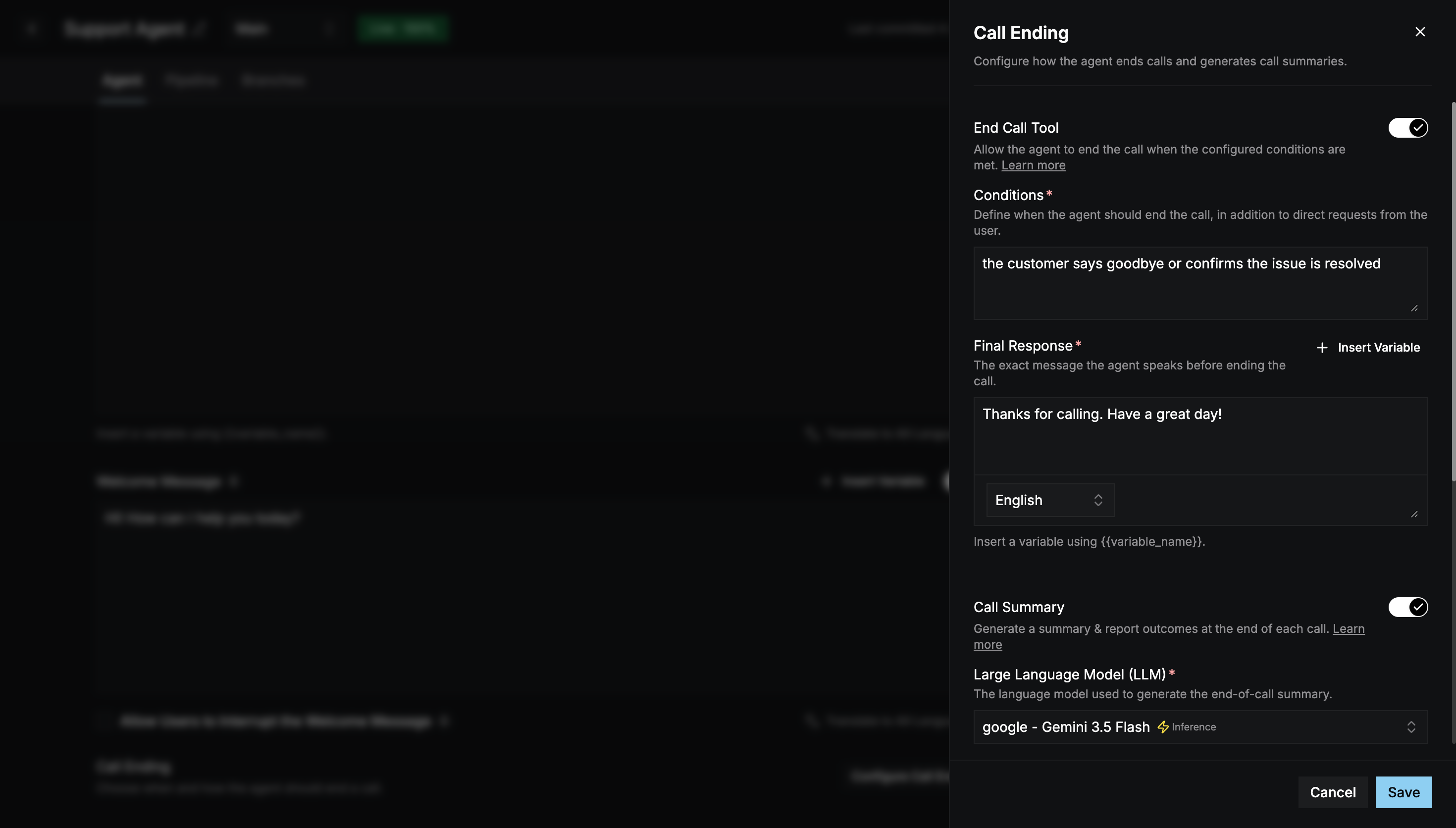
Call End Configuration controls when and how the agent ends a call, and whether it produces a summary afterwards. On the Agent tab, select Configure Call Ending.
Call Ending panel with the End Call Tool and Call Summary settings

End Call Tool

When enabled, the agent can end the call by itself once your conditions are met. It still ends the call when the caller asks directly.
The Final Response isn’t translated automatically. Use the language selector inside the field to enter it for every configured language, or you won’t be able to save.

Call Summary

When enabled, the agent generates a summary and outcome report at the end of each call and sends it to your endpoint. Select Save to apply your changes to the draft.