

Branch history
On the Branches tab, open a branch’s ⋮ menu and select View Branch History. The timeline lists every event on the branch, newest first.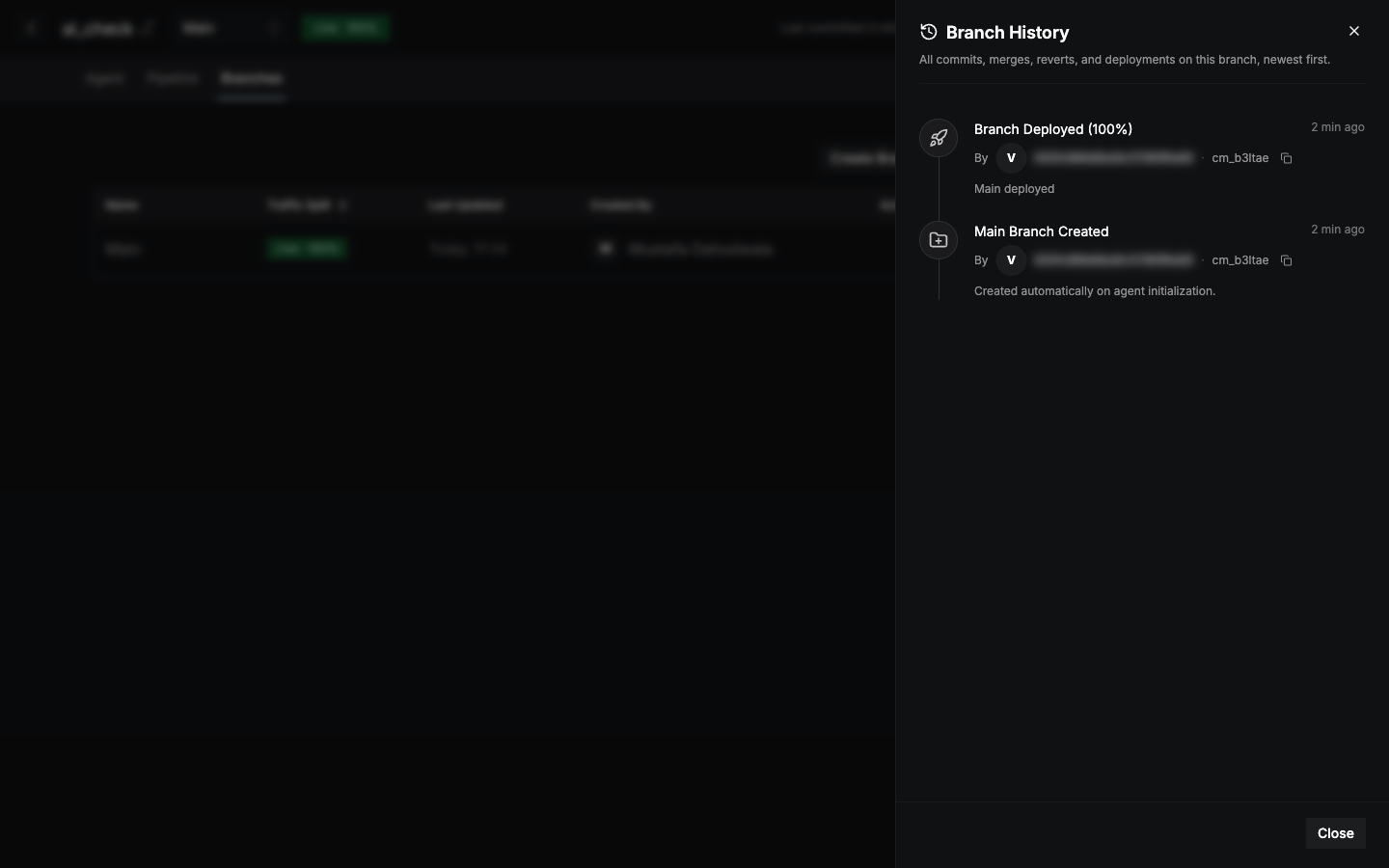
Each event shows who made it, when, and its commit ID. The current version is highlighted. Recent events are shown first. Select Show older to load more.
Revert to an earlier version
1
Pick a version
In Branch History, select the event you want to go back to.
2
Review
Compare the Latest Commit with the Historical version.
3
Revert
Select Revert to This Version.
A revert doesn’t change what’s live. Deploy the branch to make the reverted version live.