

Core concepts
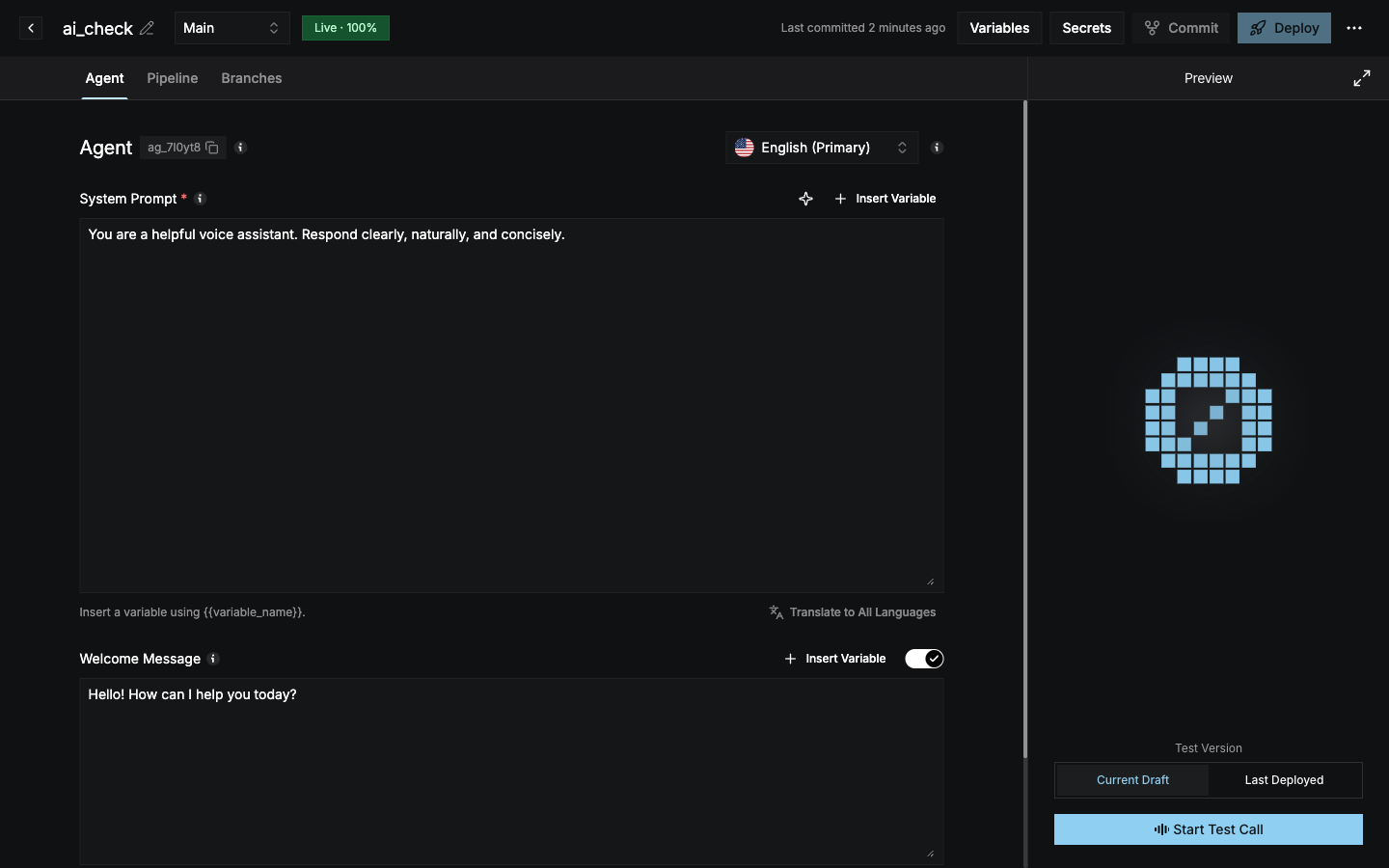
How a change goes live
1
Edit
Change anything in the Agent or Pipeline tab. The header shows Draft auto-saved and a Draft badge.
2
Test
Use Start Test Call in the Preview panel with Current Draft selected to talk to your uncommitted changes.
3
Commit
Select Commit, review the diff, and add a description. This creates a new version on the branch.
4
Deploy
Select Deploy to make the committed version live, and optionally split traffic across branches.
Create an agent
Start from a template or from scratch.
Prefer code?
Build the same agent with the Python or Node.js SDK.