

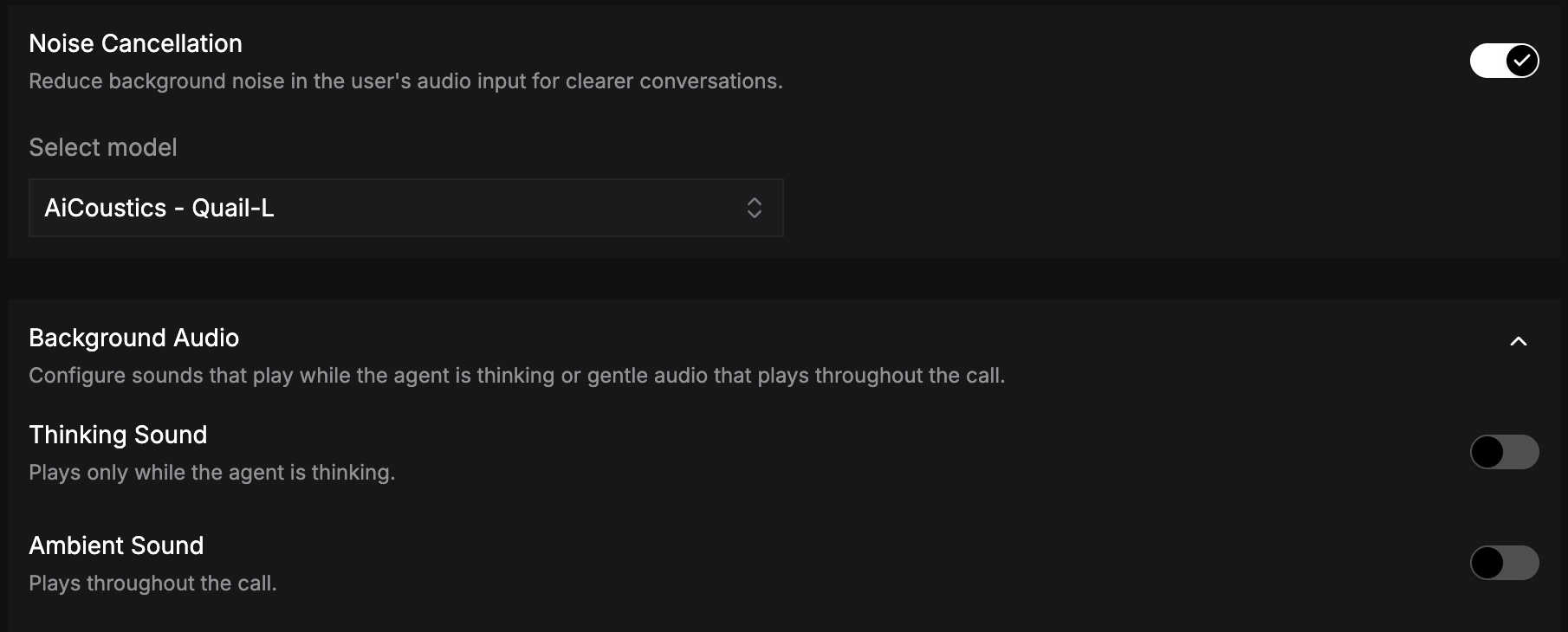
Noise Cancellation
Reduces background noise in the caller’s audio for clearer recognition. Turn it on and choose a model from Select model, for example AiCoustics - Quail VF 2.2 Small. Noise cancellation is set per language, and it works with both cascading and realtime pipelines.Background Audio
Expand Background Audio to add sound to the call.
Loop audio (on by default) repeats the selected sounds when they reach the end.