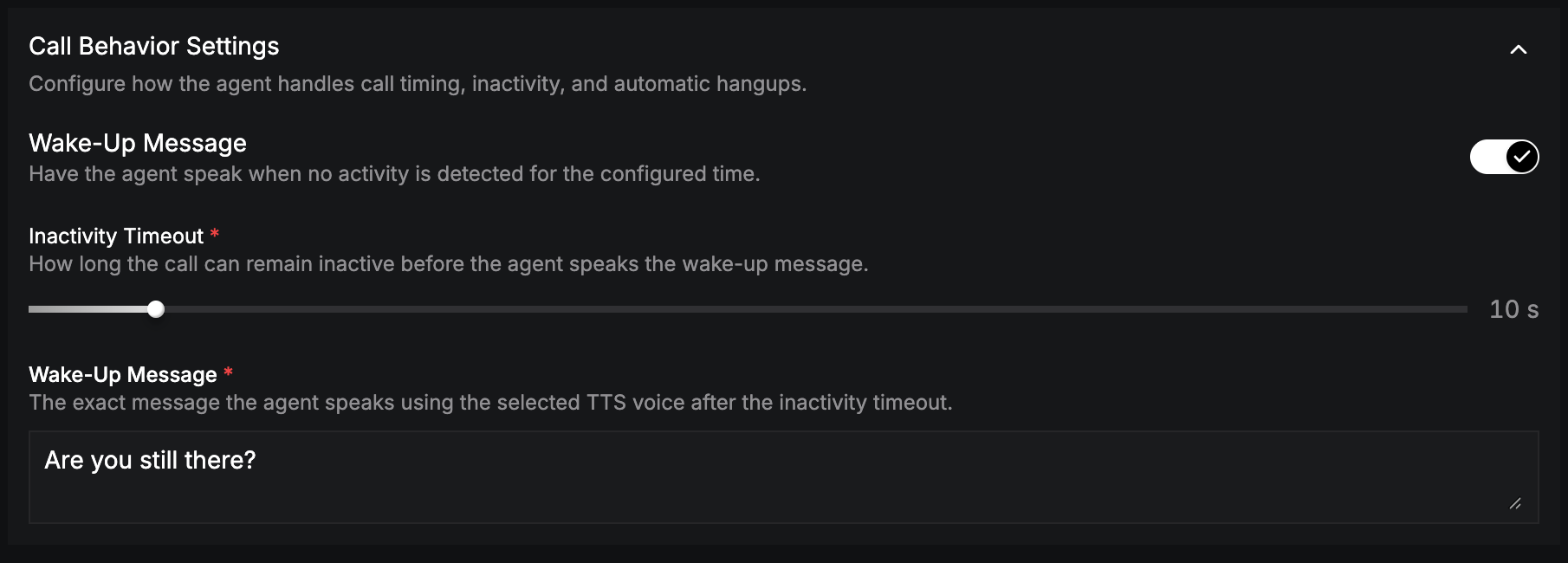
Have the agent check in when the caller goes quiet.
A wake-up message keeps the call alive when the caller stops responding. If no activity is detected for the configured time, the agent speaks.On the Pipeline tab, expand Call Behavior Settings and turn on Wake-Up Message.
Field
Description
Inactivity Timeout (required)
Seconds of silence before the agent speaks (0–120 s).
Wake-Up Message (required)
What the agent says, for example “Are you still there? Let me know if you need anything else.”
The wake-up message is set per language.To end the call once the conversation is over, use Call End Configuration.