

Core concepts
How a run is built
Every selected scenario is paired with every selected persona. In audio mode, each pair is also played once from every selected environment.Modes
The modes you can pick depend on the agent’s pipeline. Text only isn’t available for an agent that uses a realtime model, because a realtime model has no separate text step. Run those agents in audio mode. See Run a simulation.
Before you start
- Deploy the branch you want to test. A simulation tests the version that’s deployed on a branch, not your draft. See Deploy an agent.
- Have an active API key on your account.
- Have enough credits. You see the estimated cost before anything runs.
How it works
1
2
Run a simulation
Pick the agent, branch, scenarios, personas, and mode, review the cost, and start the run. See Run a simulation.
3
Review the results
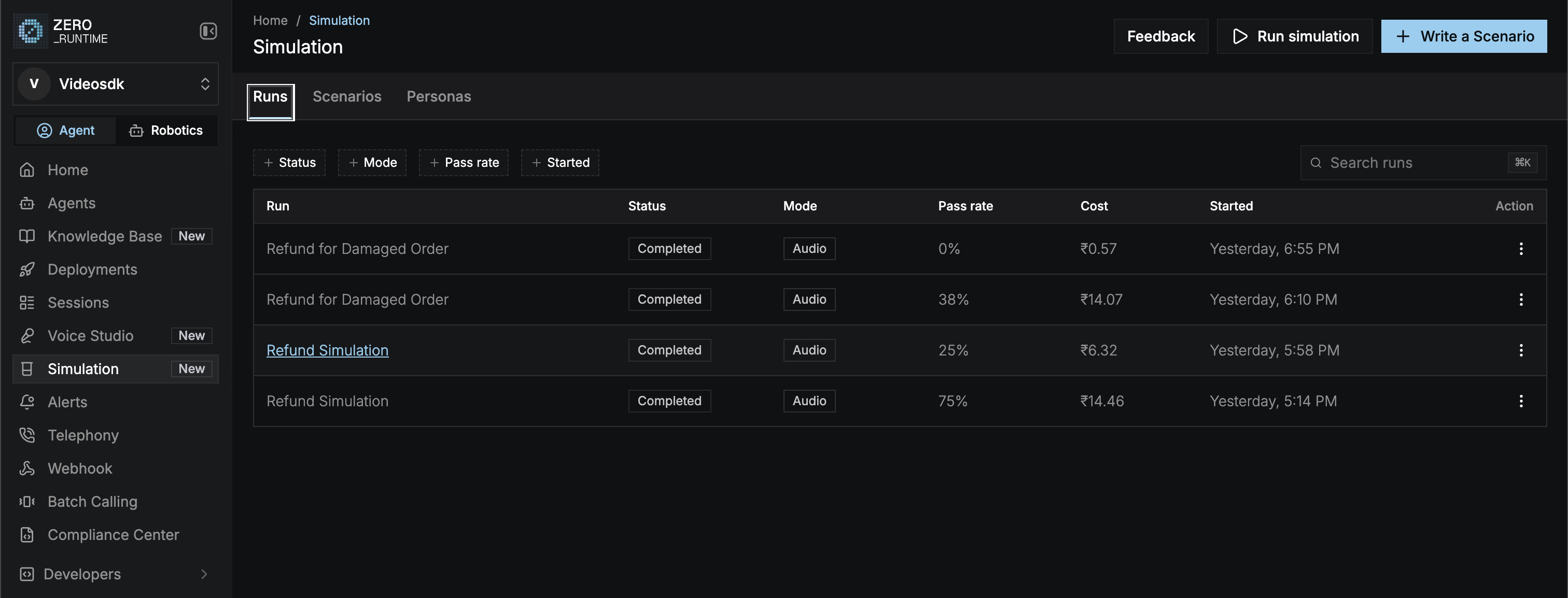
Follow the run live, open failed conversations to see the failing turn and the judge’s reasoning, and copy its suggested fixes. See Review results.
Scenarios
Write the situations and criteria to test.
Personas
Define who calls and how they behave.
Run a simulation
Configure text or audio runs and see the cost.
Review results
Find failing turns and how to fix them.